
diados
Extension of the Day

diados

5.0 FREE
  • Screenshot 1

Description

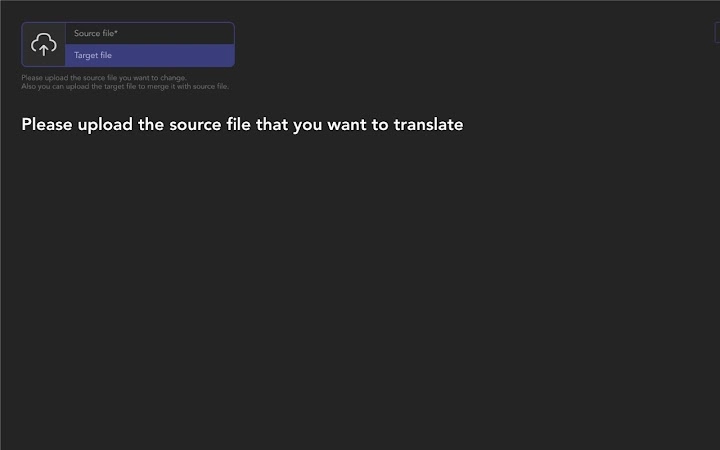
If you need to translate a JSON file to different language and you don't want to ask your translators learn to JSON format and ask them to create a localization files, you can send them this extension and they'll be able to upload your source JSON file and they would be able to translate it using pretty-simple UI.Using this app you can:1. Upload your JSON file - it will display a set of fields. Remember that you can translate only strings (objects/arrays with strings), other values would be kept "as is" in source file (translator wouldn't even see them).2. You can create a translation using merge functionality, for example when your translator did translation for file v1 but you add some changes after, they would be able to upload your file as source and translated file as target and all similar fields would be replaced.3. You can use search to find needed element by key or to find some misprint and quick fix it.4. All this staff working only on client side, so you shouldn't be worry that you data would be kept somewhere.

Guides & Tutorials for 4Translators Extension for Chrome

How to install 4Translators Extension for Chrome
  1. Click the Preview / Download button above.
  2. Once redirected, accept the terms and click Install.
  3. Wait for the 4Translators Extension for Chrome download to finish on your device.
How to use 4Translators Extension for Chrome

This software is primarily used for its core features described above. Open the app after installation to explore its capabilities.

User Reviews for 4Translators Extension for Chrome 0

    No reviews found

Similar Apps


